
Statistics, Settings, and Troubleshooting
Statistics
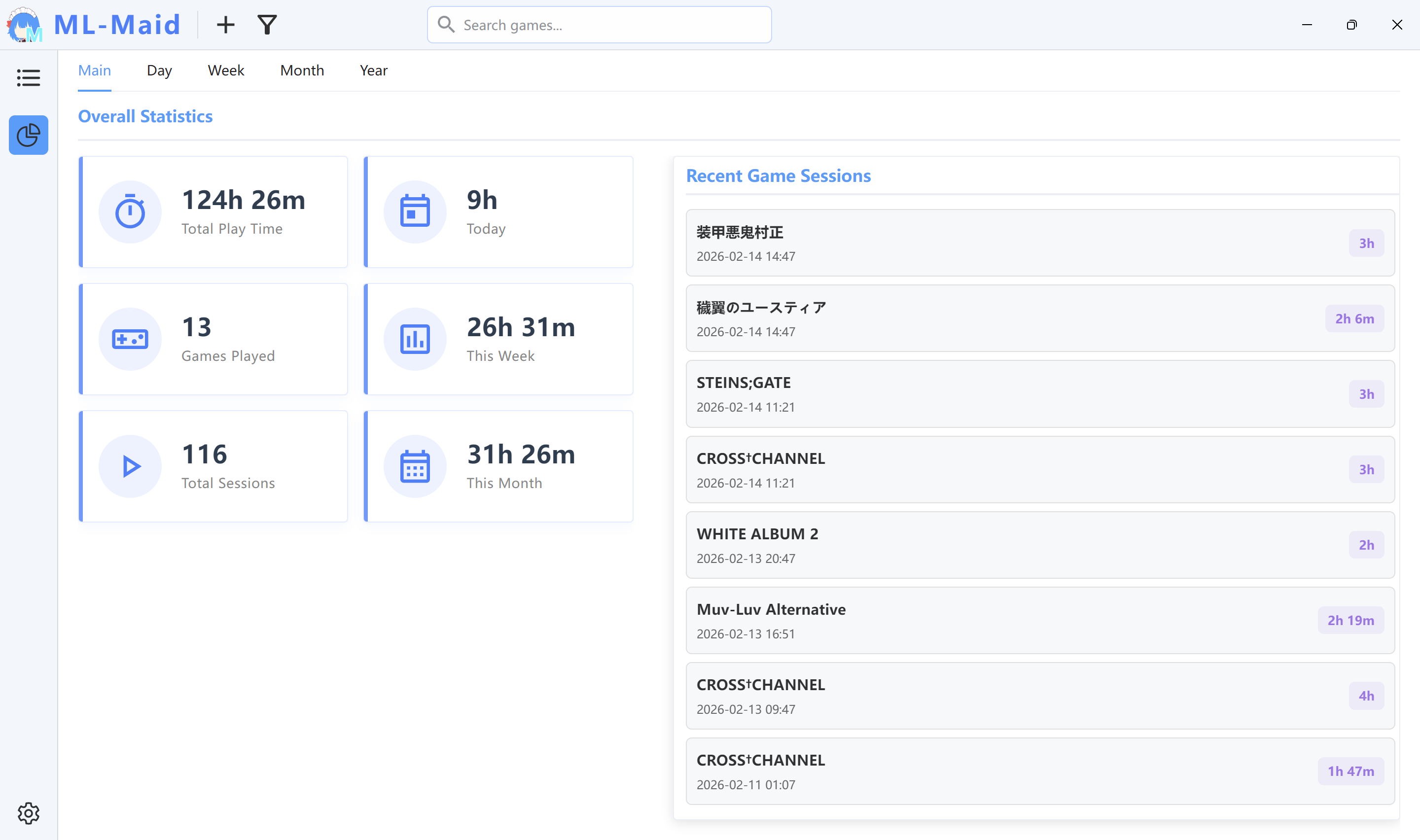
- Overview: total playtime, games played, sessions, today/week/month totals, and recent sessions.
- Day: sessions positioned on a selected day's timeline.
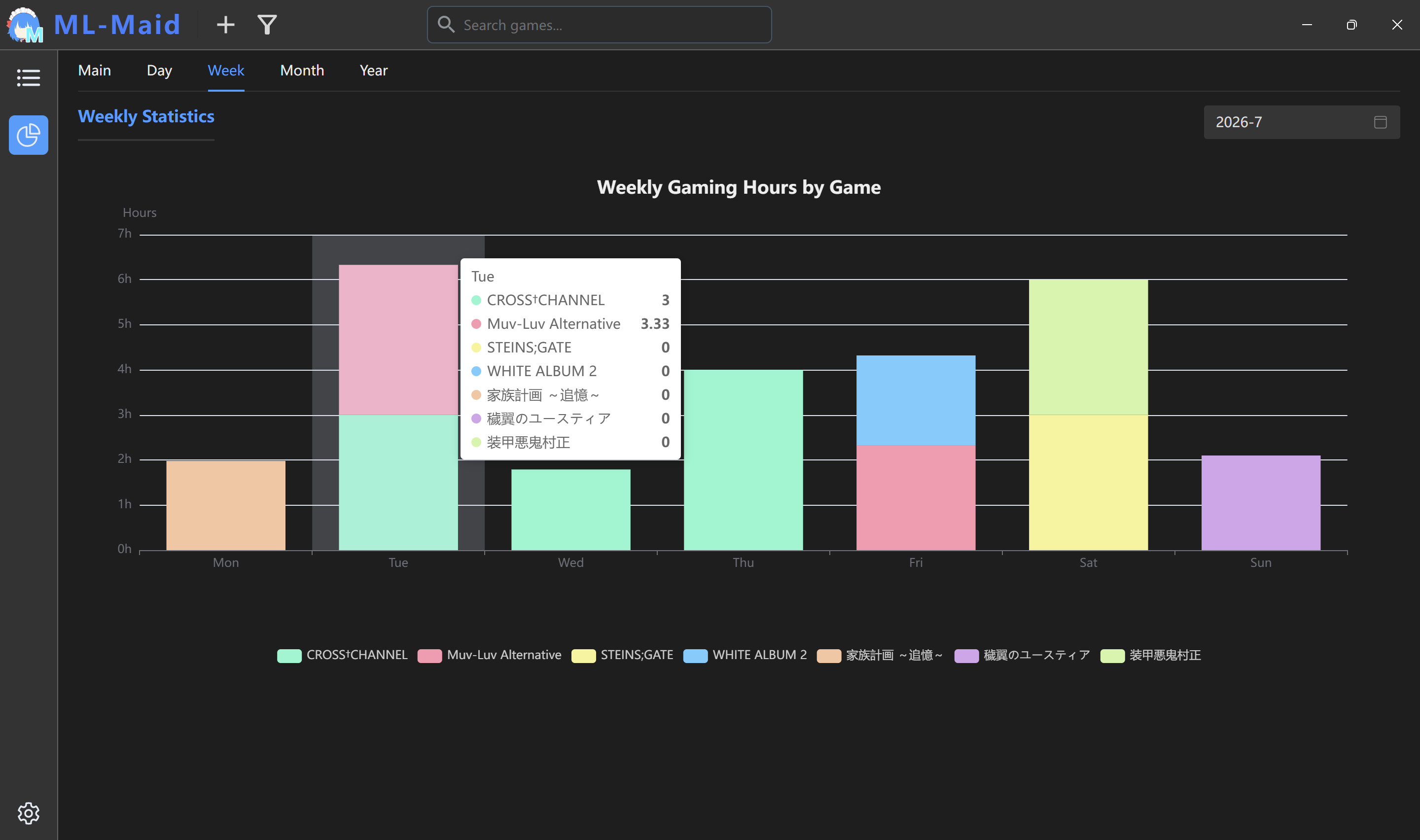
- Week: per-game time for each day of the selected ISO week.
- Month: daily totals for a selected month.
- Year: daily distribution and monthly summaries for a selected year.
Only completed sessions of at least 10 seconds count toward statistics.
Settings and data
Theme supports light, dark, or system mode. English, Simplified Chinese, and Japanese are available, and language changes update the tray menu. Minimize to Tray controls whether closing hides or exits the app. The Locale Emulator path is used by LE launch mode.
<data directory>/
├─ config/settings.conf
├─ library/metadata.db
├─ library/statistics.db
├─ library/images/<game UUID>/
└─ temp/images/<game UUID>/
Troubleshooting
- Launch fails: verify that a File action exists, its executable exists, and its name is not empty.
- No playtime: run longer than 10 seconds; use Folder mode for launchers or configure the real process name.
- Artwork missing: select it again and save; do not move managed image files manually.
- Locale Emulator fails: detect or select the actual
LEProc.exeagain. - App remains running: choose Exit from the tray or disable Minimize to Tray.
Changelog
7/23/26, 6:14 AM
View All Changelog
20ffd-on
Copyright
Copyright Ownership:Kurosu-Ti01
License under:Attribution 4.0 International (CC-BY-4.0)