
Managing the Library
Add and edit games
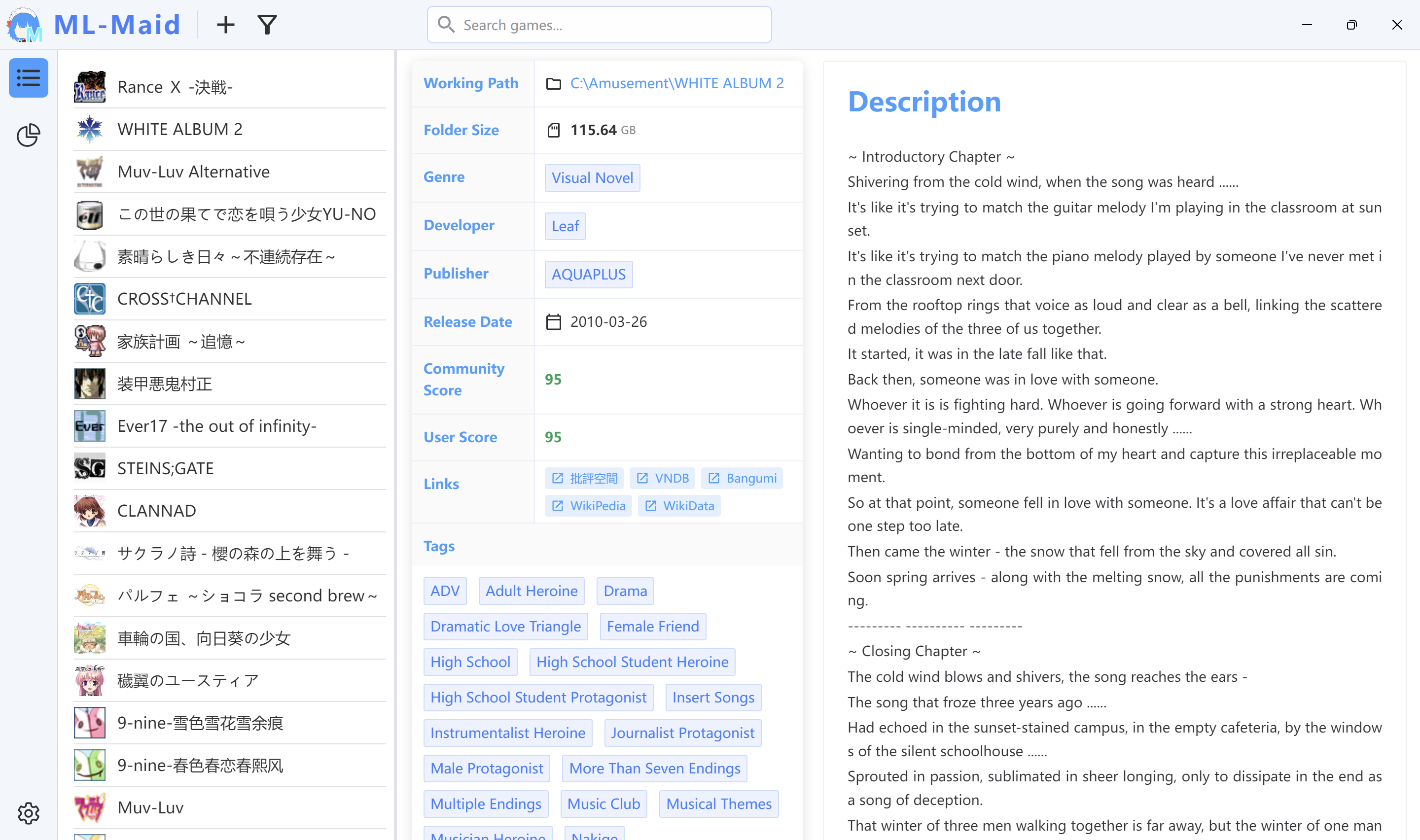
Choose Add from the Library toolbar. Title is the primary identifying field. Genres, developers, publishers, and tags accept existing or new values. Release date uses a date picker; community and personal scores range from 0 to 100; each description line becomes a paragraph.
The Advanced tab contains install path, size, accumulated playtime, last-played time, monitoring mode, process names, and locale mode. Playtime fields are normally maintained automatically. Saved games appear immediately. Select a game and choose Edit to update it. Deletion requires confirmation and removes associated metadata and artwork.
Artwork, links, and actions
The Media tab manages icon, background, and cover artwork. It accepts common images and can extract icons from EXE, DLL, ICO, or shortcut files. Selected files remain in a temporary directory until Save moves them to library/images/<uuid>/; Cancel cleans the temporary files.
Links open through the system browser. File actions define how a game is started: give the action a name and select an executable. The Play button uses the first file action.
Warning
Script actions are not implemented. Action parameters are saved but not executed; use a .bat or .cmd wrapper when parameters are required.
Search, filter, and sort
Search filters titles immediately. Filters combine genres, developers, publishers, and tags. Sorting supports name, date added, last played, and personal score in either direction. Confirmed filters and sorting persist in the settings file.
Changelog
20ffd-on
Copyright
Copyright Ownership:Kurosu-Ti01
License under:Attribution 4.0 International (CC-BY-4.0)